
Adding Customer Groups and Customer Data in Smart Pro | Building Your Database 👥📈
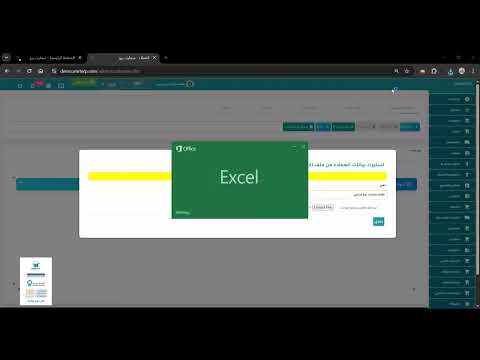
Today we begin the first lesson in the Sales section of Smart Pro, where we will learn how to add customer groups and code their data. Organizing customers is the first step toward delivering excellent service and accurately tracking your financial collections.
✅ What we will cover in this lesson: 1️⃣ Defining customer groups: Categorizing customers (e.g., cash customers, wholesale customers, VIP customers). 2️⃣ Adding a new customer: Entering personal data (name, mobile number, address, geographic location). 3️⃣ Customer tax data: Recording the tax number to ensure compliant tax invoice issuance. 4️⃣ Credit limit: How to set a debt ceiling for each customer and get alerts when it is exceeded. 5️⃣ Linking price lists: Assigning a specific price list (wholesale/retail) to each customer automatically.
💡 Why does customer organization matter in Smart Pro? The system gives you the ability to target customers with special offers based on their classification, and ensures precise monitoring of your receivables and collection reports for each group separately.
🌐 For more information and to request the trial version: official website: https://www.smartpro.sa
📞 For direct contact and technical support (call / WhatsApp): 0552159955 | 0535252059 | 0505298512 📧 Email: info@smrterp.com
#SmartPro #SmartPro #CustomerManagement #AccountingSystem #CRM #Sales #ERP #SaudiArabia #Hail #AccountingSoftware #CustomerDatabase #Cloud_Accounting
Liked this guide?
Try SmartPro on your own data.
Live demo in 30 minutes, with no commitment.