
Transfer to ZATCA in Smart Pro Desktop Version
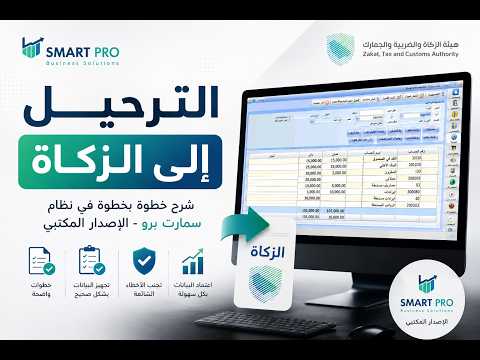
Explanation of how to transfer to ZATCA in Smart Pro – Desktop Version
In this video, we explain step by step how to perform the transfer to ZATCA in the Smart Pro accounting system (desktop version) correctly, to ensure accounting data is prepared and approved with ease.
🎯 In this explanation, you will learn: ✅ How to transfer to ZATCA. ✅ The correct steps before performing the transfer. ✅ The most important notes to pay attention to. ✅ How to avoid common errors during the transfer. #SmartPro #SmartPro #ZATCA #ZATCA #Accounting #AccountingSoftware #ERP #Accountant #journal entries #FinancialAccounting #Transfer #ZATCATax #AccountingSoftware #BusinessManagement #SaudiAccounting #SmartPro_Explanation #FinancialReports #Accounting #AccountingSystems #BusinessesAndCompanies
Liked this guide?
Try SmartPro on your own data.
Live demo in 30 minutes, with no commitment.