
Clearance and Reporting in E-Invoicing: Which One Applies to Your Invoices
Clearance and reporting are two different paths an invoice takes in Phase 2. Here is what happens on each path step by step, when each one applies, and what to do when an invoice is rejected.
سامي الحيدري
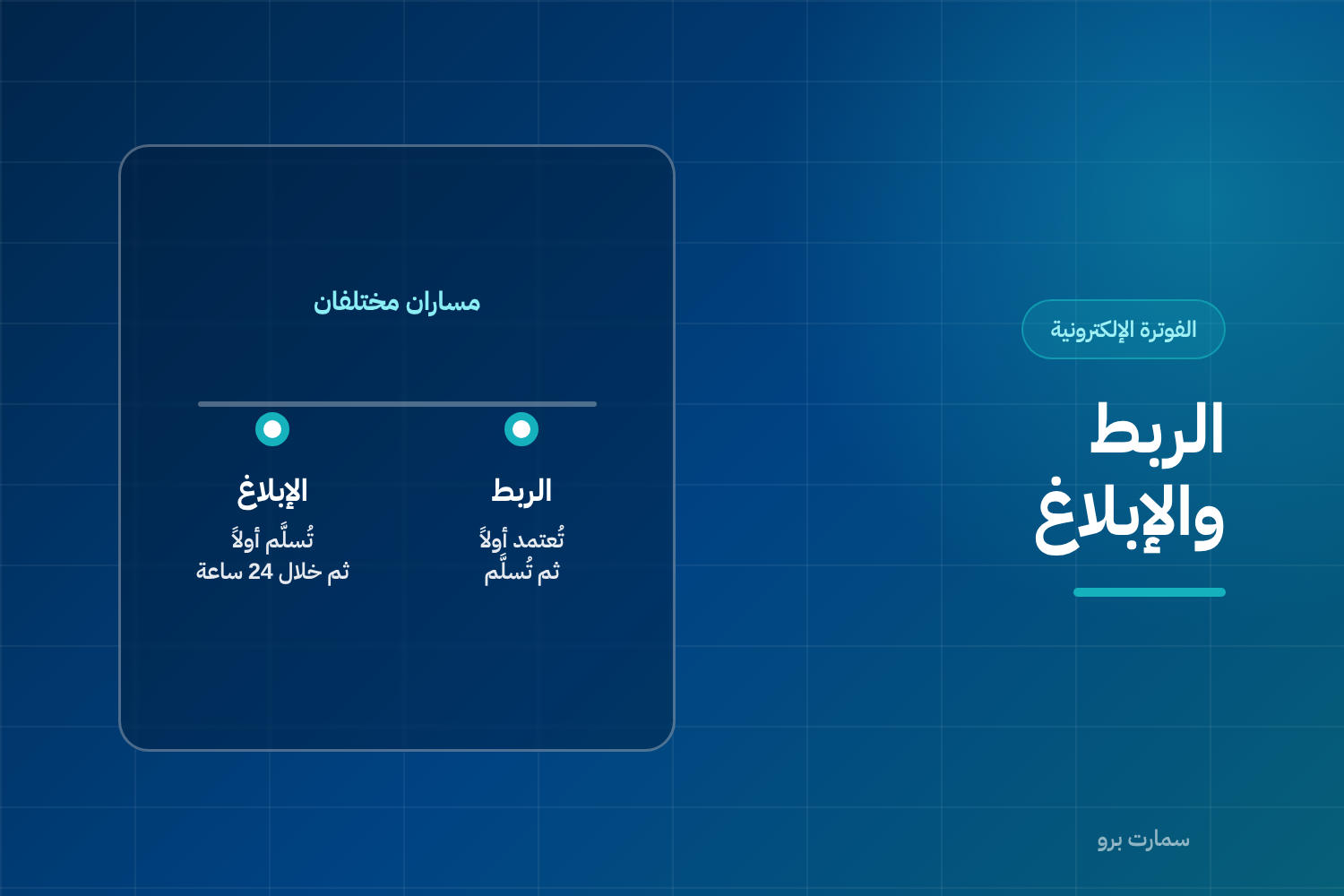
Clearance and reporting are the two paths an invoice takes in Phase 2 of ZATCA e-invoicing. The difference is not only technical. It changes when you can hand the invoice to your customer, what happens if the Fatoora platform rejects it, and how the error gets corrected.
With clearance, the invoice passes through the Fatoora platform before it reaches the buyer. With reporting, it reaches the buyer first and is sent to the platform afterwards. Clearance applies to the standard tax invoice, which is the full VAT invoice issued to another business. Reporting applies to the simplified tax invoice, which is the shorter invoice issued to an individual consumer.
Clearance and reporting: what happens on each path?
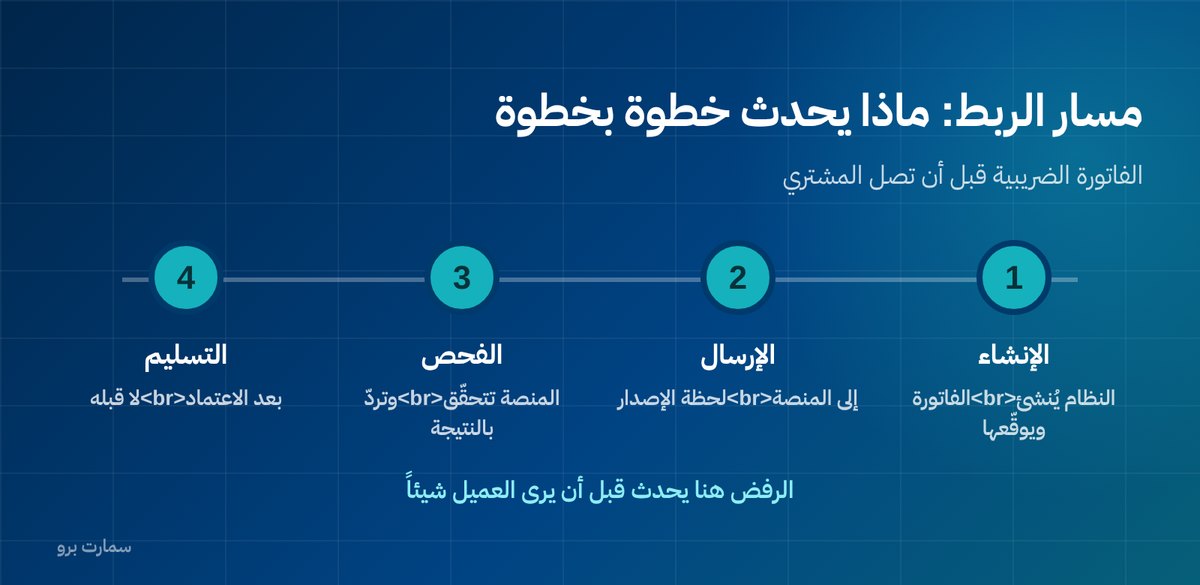
| Step | Clearance (standard tax invoice) | Reporting (simplified tax invoice) |
|---|---|---|
| 1 | The system creates and signs the invoice | The system creates and signs the invoice |
| 2 | It is sent to the platform immediately | It is printed and handed to the customer immediately |
| 3 | The platform checks it and returns the result | The customer leaves with the invoice |
| 4 | If accepted: it is delivered to the buyer | It is sent to the platform within 24 hours |
| 5 | If rejected: it is corrected and not delivered | If rejected: it is fixed while the invoice is already with the customer |
The last row is the key difference. With clearance, the rejection happens before the customer sees anything, so you can correct it quietly. With reporting, the customer has already left holding an invoice the platform may have rejected, and fixing it becomes harder and slower.
Why were the two paths designed so differently?
The reason is purely practical. A tax invoice between businesses is used to deduct input VAT, so it has to be verified before the other party builds financial rights on it. Sales to end consumers, on the other hand, happen thousands of times a day, and waiting for a network response on every transaction at the till would slow sales down and create queues.
So the first path favours accuracy over speed, and the second favours continuity with verification afterwards. Once you understand this logic, the rest of the rules make sense instead of looking like complexity for its own sake.
What does the 24-hour window mean in practice?
It does not mean collecting a full day's invoices and sending them in one batch at the last minute. Most good systems send each simplified invoice within seconds of issuing it, and keep a queue of invoices that could not be sent so they retry automatically when the connection returns.
The window exists to absorb network outages, not to postpone sending. A business that delays on purpose discovers at the end of the day that 100 invoices were rejected for a single reason that would have shown up on the very first invoice had it been sent straight away.
Ask your system vendor for a clear answer to three questions: How often are simplified invoices sent? How many times does the system retry, and at what interval? Where can I see the list of pending invoices?
Rejection: what should you do on each path?
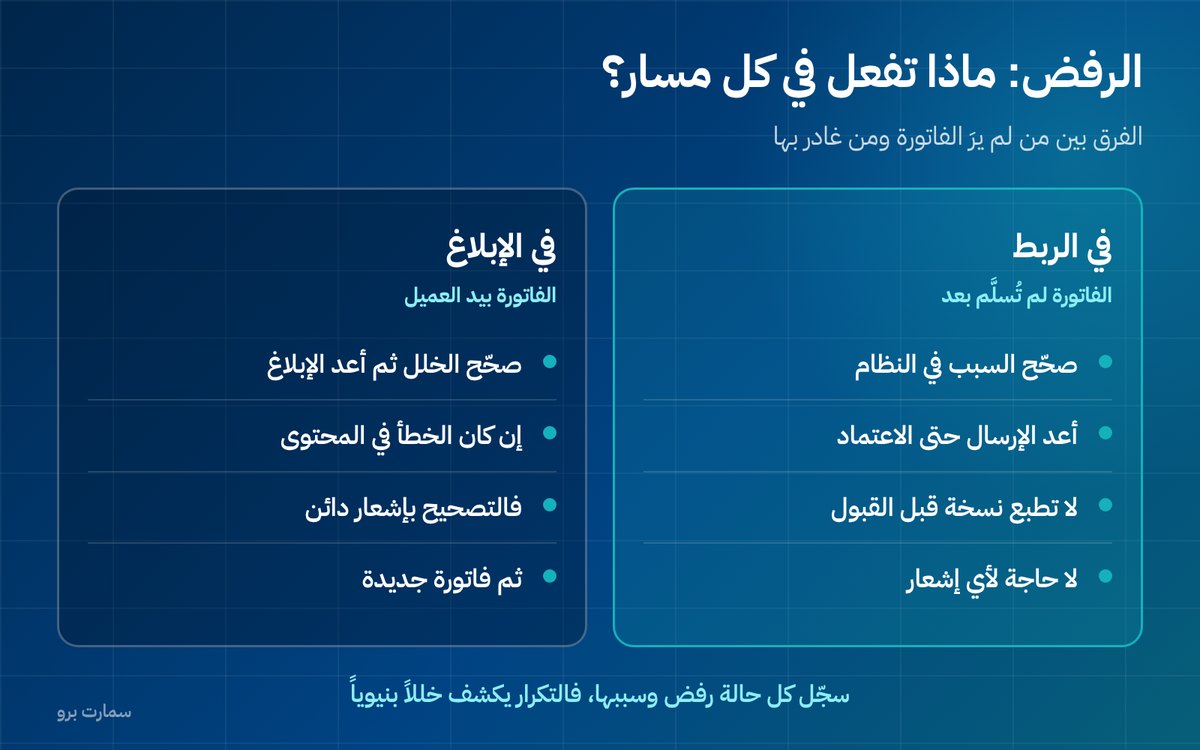
With clearance: the invoice has not been delivered yet, and that works in your favour. Fix the cause (a wrong VAT number, a missing mandatory field, an incorrect tax category code), then resend. Do not print a copy for the buyer before acceptance, however much of a hurry they are in, because the copy in their hands may differ from what was actually approved.
With reporting: the invoice is already with the customer. Fix the problem in the system, then report again. If the error is in the content of the invoice itself (a wrong price, the wrong item, an incorrect VAT rate), the correction is made with a credit note and a new invoice, not by editing the original, which cannot be changed once issued. A credit note is a document that reverses all or part of an earlier invoice.
In both cases, keep a log of rejected invoices and the reasons. When the same reason keeps coming back, it points to a problem in your data or system setup, not a one-off incident to be fixed by hand every time.
Three common operational mistakes
- Handing over a standard tax invoice before it is cleared because the customer is in a rush or the network is slow. This creates two different versions of the same document.
- No screen for pending invoices. If checking them is not one named person's daily responsibility, they pile up silently until some pass the deadline.
- Confusing “sent” with “accepted”. Sending is not acceptance, and a system that shows both statuses in the same colour hides the problem instead of exposing it.
Two indicators to watch every week
- Rejection rate: the number of rejected invoices divided by the total sent. A rate that regularly goes above 1% signals a structural data problem, not individual mistakes.
- Average reporting time: the gap between when a simplified invoice is issued and when it is accepted. If it is measured in hours rather than seconds, your system is working in batches without you knowing.
The detailed requirements for each path, its deadlines and its response codes are published by the Zakat, Tax and Customs Authority (ZATCA), which is the reference whenever interpretations differ. For a wider overview, see our ZATCA e-invoicing guide.
How do you choose between the two paths?
You don't. The path follows the invoice type, and the invoice type follows who the buyer is. What you actually choose is a system that handles both paths together, because most businesses need both: selling to individuals and to companies from the same activity on the same day.
Before any purchase decision, ask the vendor to issue a standard tax invoice and a simplified one in front of you, using data similar to yours, and to show you exactly what appears on screen when each one is rejected. SmartPro's Sales & POS issues ZATCA Phase 2 invoices the moment a sale closes, and its POS keeps working offline.
Read also
- Standard vs simplified tax invoice: which one should you issue
- E-invoicing Phase 2: what integration means
- Fatoora integration waves and timelines
Key takeaway: Clearance checks the standard tax invoice before the buyer receives it, while reporting sends the simplified invoice within 24 hours after the sale. Choose a system that handles both paths and shows rejections clearly.
To see both paths running on data like yours, start a free trial of SmartPro or book a demo.
Frequently asked questions
What is the difference between clearance and reporting?
Clearance means sending the standard tax invoice to the Fatoora platform the moment it is issued and waiting for approval before delivering it to the buyer. Reporting means handing the simplified invoice to the customer immediately, then sending it to the platform within 24 hours.
Do simplified invoices have to be sent as soon as they are issued?
The window is 24 hours, but it is better to send within seconds of issuing, with a queue that retries when the network drops. The window exists to absorb outages, not to postpone sending, and deliberate delays pile up errors instead of catching them early.
What should I do if a standard tax invoice is rejected?
Do not hand it to the buyer. Fix the cause of the rejection, such as a wrong VAT number, a missing mandatory field or an incorrect tax category code, then resend until it is cleared. An invoice that has not been cleared cannot be used by the buyer to deduct input VAT.
What should I do if a simplified invoice is rejected after the customer has left?
Fix the problem in the system and report the invoice again. If the error is in the content of the invoice itself rather than its format, correct it with a credit note that reverses its effect and then issue a new invoice, rather than editing the original.