
When Should You Stop Managing Invoices in Excel? The Signs and the Way Out
Managing invoices in Excel works when you start out, then turns into a burden. Here are seven signs you have outgrown it, and what Excel cannot do under Phase 2 e-invoicing.
سامي الحيدري
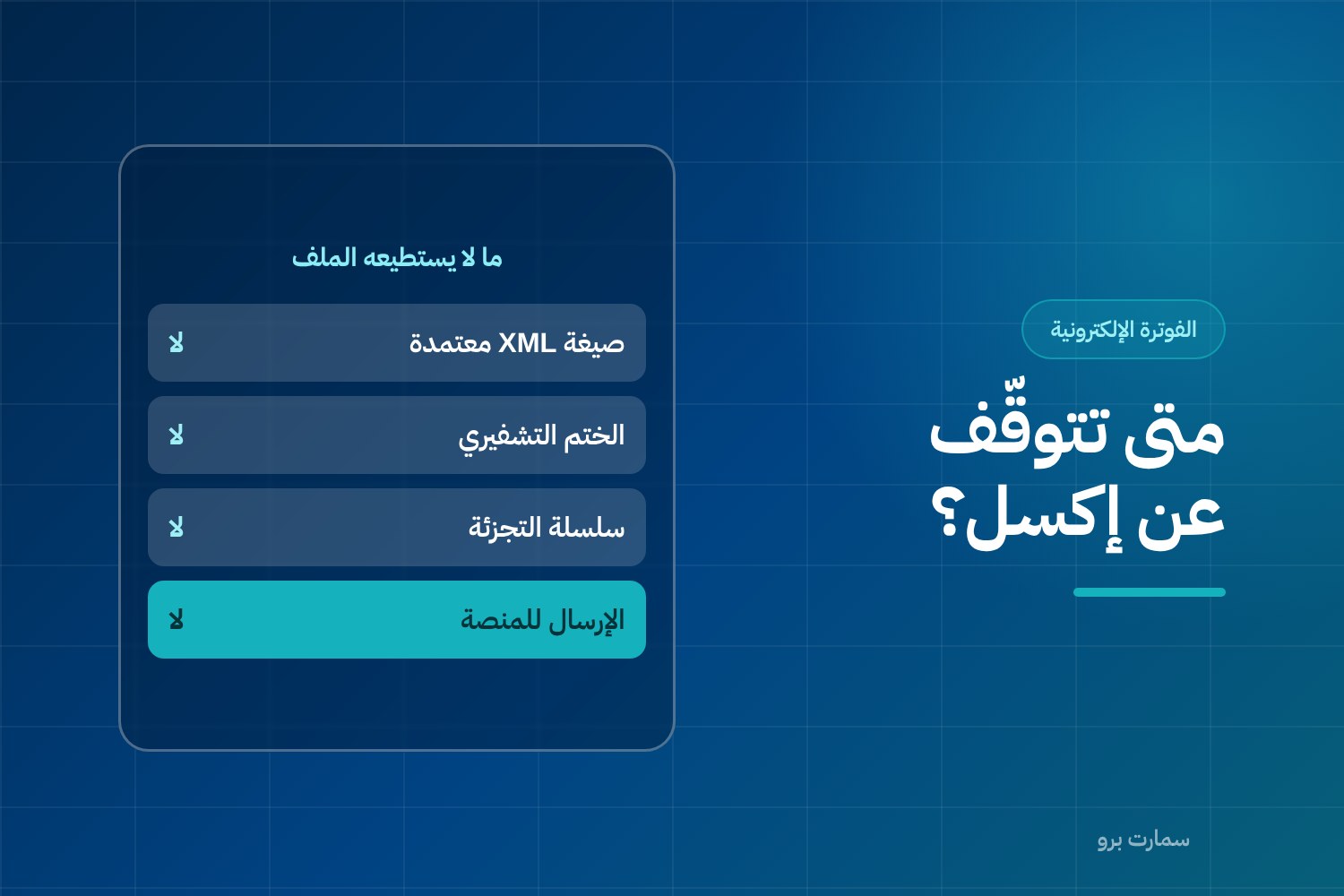
Managing invoices in Excel is not a mistake in itself. Plenty of businesses started that way and did well, and a well-kept spreadsheet is far better than a paper ledger. But once you see three or more of the warning signs below, the file costs more than it saves. Under Phase 2 e-invoicing, it also cannot issue a compliant invoice.
The problem is that Excel never warns you when you have outgrown it. It keeps working while errors pile up quietly, until they all surface at once during a year-end close or a tax audit.
Signs that managing invoices in Excel no longer works
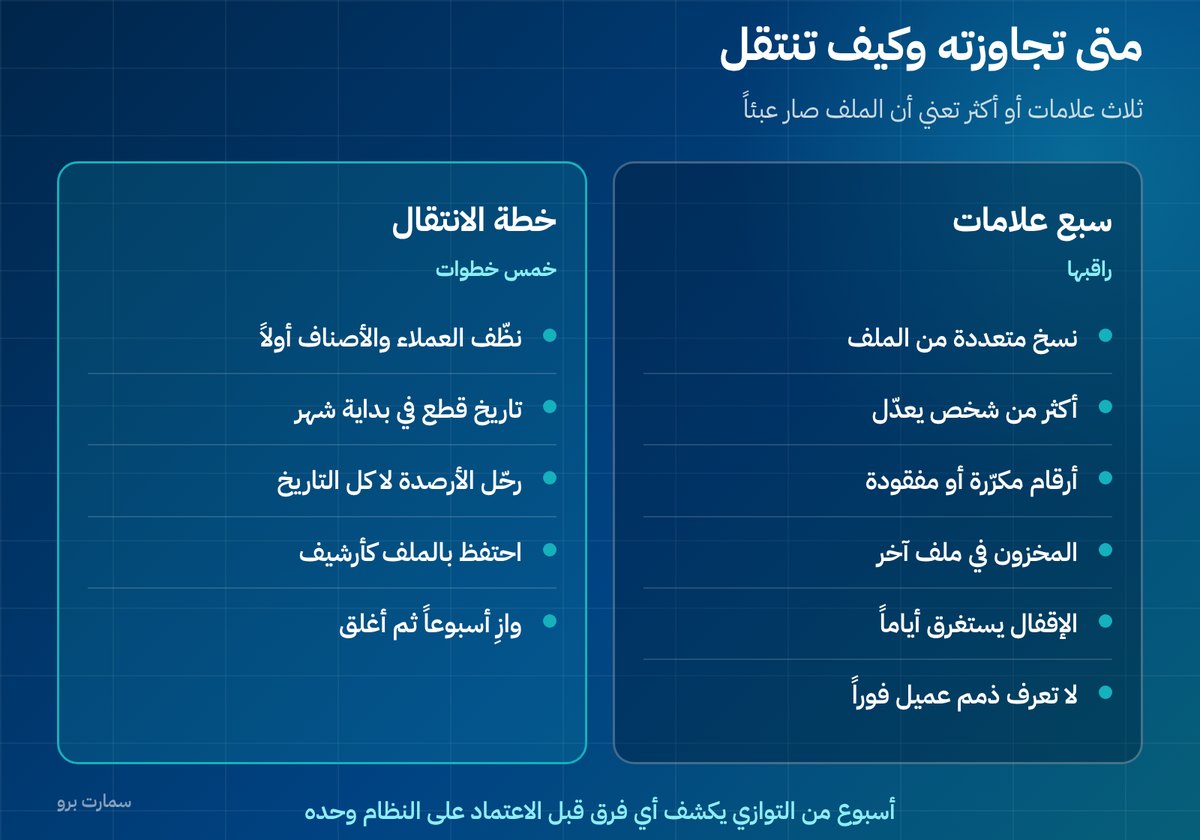
- Multiple versions of the file: "Invoices-final-2" and "Invoices-final-revised". Nobody knows which one is the latest.
- More than one person editing: two edits at the same time, and one of them is lost without anyone noticing.
- Duplicate or missing invoice numbers: the sequence is manual, so mistakes are inevitable over time.
- Stock lives in a separate file: you sell an item that is already out of stock, and only find out at delivery.
- Month-end close takes days: because you are pulling numbers together from scattered files instead of reading a report.
- You cannot see one customer's balance straight away: you have to open files, sort and add up by hand.
- You cannot prove what happened: there is no record of who changed what, and when.
Three or more of these signs mean the file is now costing you more than it saves.
What can't Excel do under the regulations?
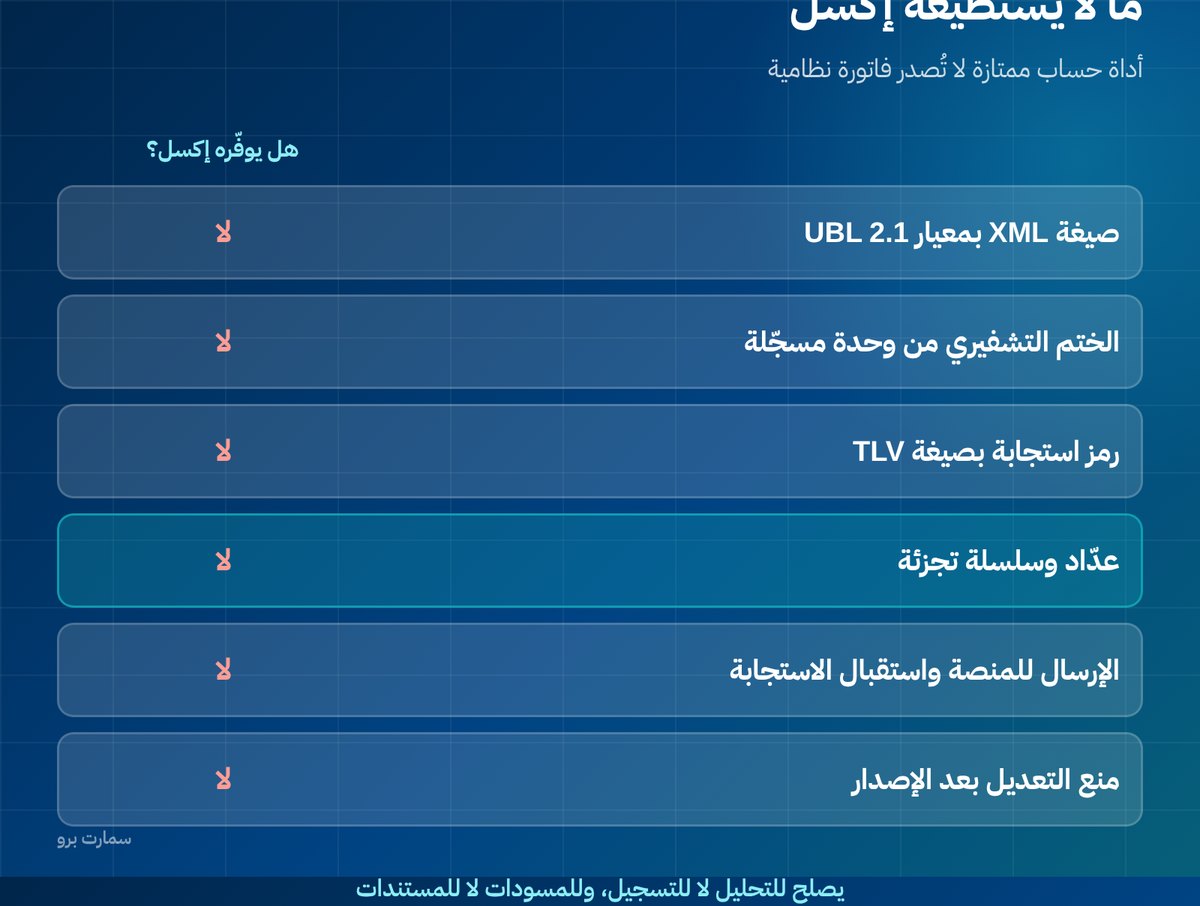
This has been the deciding difference since Phase 2 of e-invoicing. Phase 2 is the stage in which invoices are generated in a structured format and integrated with ZATCA's Fatoora platform. Excel is an excellent calculation tool, but it cannot do the following:
| Requirement | Does Excel provide it? |
|---|---|
| Issue the invoice as XML using the UBL 2.1 standard | No |
| Apply a cryptographic stamp from a registered invoicing unit | No |
| Generate a QR code in TLV format | No |
| Keep a counter that never resets and a linked hash chain | No |
| Send to the Fatoora platform and receive the response | No |
| Prevent edits after issue | No |
In other words, the file is fine for internal records and personal tracking, but it does not issue a compliant invoice in Saudi Arabia today. For the details of what Phase 2 requires, see Phase 2 e-invoicing explained; the official requirements are published by the Zakat, Tax and Customs Authority (ZATCA).
What is the biggest risk of keeping invoices in Excel?
The biggest risk is retroactive editing. In Excel you can open last month's file and change a number, and nobody will ever know. That is not flexibility; it is the absence of a control.
In a compliant system, an invoice becomes part of a signed chain once it is issued, and any correction is made through a note that leaves a trail. The difference between the two is the difference between a record you can prove and a record that can be denied. The details are in the cryptographic stamp and hash chain.
When is Excel still useful?
Do not get rid of it entirely. It remains an excellent tool for work that does not need a system:
- Presentation models, planning and financial scenarios.
- Analysing data exported from your system.
- Temporary calculations and drafts before approval.
- Reconciling two sources when you are tracking down a difference.
The rule: use it for analysis, not for recording; for drafts, not for documents.
How do you move off Excel without stopping work?
- Clean your data first: customers with their VAT numbers and addresses, and items with their tax categories. This is the longest and most important step.
- Set a clear cut-off date: the start of a month, not the middle. Everything before it stays in the file; everything after goes into the system.
- Migrate balances, not the whole history: opening balances for customers, suppliers and stock are enough; do not try to enter every invoice from past years.
- Keep the old file as a readable archive, and do not delete it.
- Run both for one week to confirm the numbers match, then close the file for good.
That last point is what removes the worry: a week of running in parallel exposes any difference before you rely on the system alone.
What does staying on Excel really cost?
The file is free, but everything around it is not. Add up these items every month:
- Hours of double entry: every transaction is typed into the file and then copied somewhere else.
- Closing time: the gap between two days and a week is measured in salaries.
- Late decisions: financial statements produced forty days later are not used for any decision.
- Pricing and stock errors: selling at an old price, or selling an item that has run out.
- Reissuing: incomplete invoices that you are asked to issue again.
When they run the numbers, most businesses find that staying on Excel costs more than a subscription to a simple system, and that the real difference is not money but the time the file takes from the owner personally.
Which four questions settle the decision?
- How many hours a week does the file take from you and your team?
- When did you last know a month's profitability before the following month had ended?
- Can you prove who changed any number, and when?
- Are your compliant invoices issued from the file, or from somewhere else?
The answer to the fourth question is enough on its own: if you issue invoices from a system and then record them in Excel, you are doing the work twice for no reason.
What should you choose after Excel?
Not necessarily a large system. A service business issuing a few dozen invoices a month needs simple accounting software that is ready for Phase 2, not a full ERP (enterprise resource planning) system that runs every department in one place. The difference between the two is explained in Accounting software or ERP?.
The deciding criterion is not the number of features but whether the system can do what your file cannot: compliant issuing, integration with Fatoora, blocking edits after issue, and tracking who did what. SmartPro, for example, connects sales, stock and accounts so that a sale updates the rest by itself, with ZATCA Phase 2 e-invoicing built in.
Key takeaway: Keep Excel for analysis and drafts, but once three or more warning signs appear, move your invoicing to a Phase 2-ready system using a clean cut-off and a one-week parallel run.
You can try it on your own invoices with a free SmartPro trial or book a 30-minute demo.
Read also
Frequently asked questions
When should I stop managing invoices in Excel?
When three or more of these signs appear: multiple versions of the file, more than one person editing it, duplicate or missing invoice numbers, and stock kept in a separate file. Other signs are a month-end close that takes days, difficulty seeing a customer's balance straight away, and no record of who changed what and when.
Can I issue a compliant e-invoice from Excel in Saudi Arabia?
No. Excel cannot issue the invoice as XML using the UBL 2.1 standard, apply a cryptographic stamp, or generate a QR code in TLV format. It also cannot keep a counter and hash chain or send invoices to ZATCA's Fatoora platform, so it is only suitable for internal records.
How do I move from Excel to a system without stopping work?
Clean your customer and item data first, and set a cut-off date at the start of a month. Migrate opening balances rather than your whole history, and keep the old file as an archive. Run both side by side for one week to confirm the numbers match before closing the file for good.
Should I get rid of Excel completely?
No. It remains excellent for planning models and scenarios, analysing data exported from your system, temporary calculations, and reconciling two sources. The rule is to use it for analysis rather than recording, and for drafts rather than compliant documents.