
Moving to Phase 2: A 30-Day Plan Without Stopping Sales
Moving to Phase 2 doesn't mean stopping sales. Here is a clear week-by-week, 30-day plan, from cleaning up your data to a phased go-live and daily monitoring.
سامي الحيدري
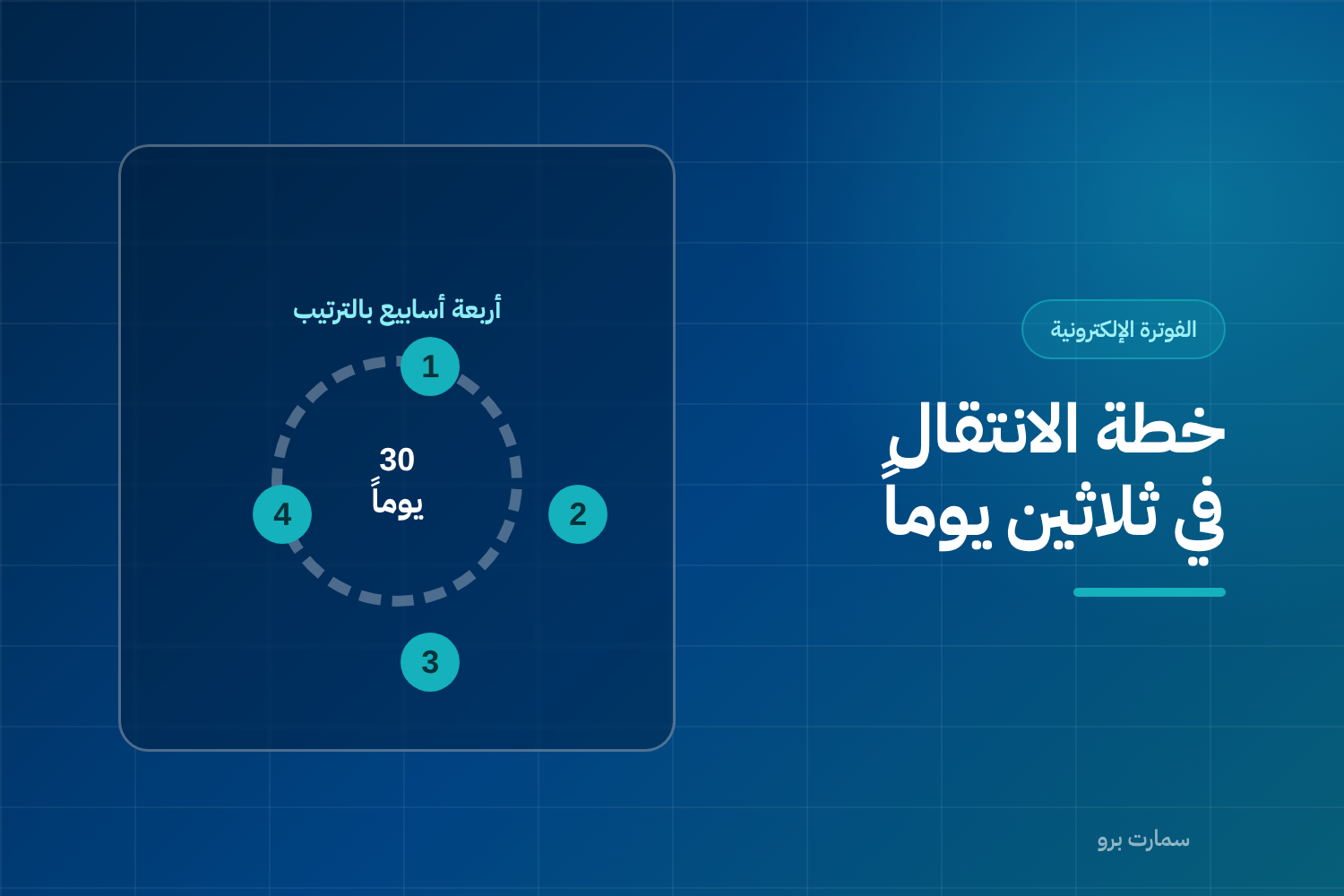
Moving to Phase 2 is scarier than it needs to be, mostly because it gets postponed until it becomes urgent. This is a 30-day plan split across four weeks. It is built on one rule: sales do not stop for a single day.
Start counting the 30 days at least two weeks before your compliance date, not after it.
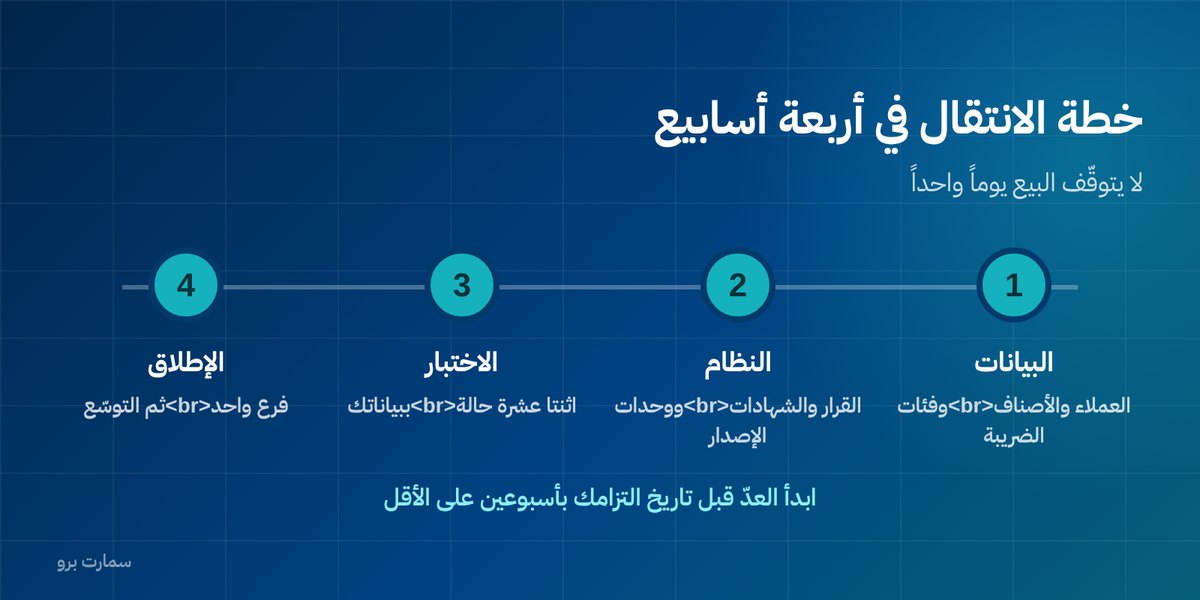
Moving to Phase 2 starts in week one: data before technology
Don't talk about systems yet. Focus on the work nobody else can do for you:
- Print your list of business customers, and check the VAT number and national address for each one. Mark anything missing.
- Print your item list with the tax category of each item, and sit with your accountant for one hour to correct the categories.
- Work out your invoice mix: how many are tax invoices and how many are simplified? This ratio tells you where to focus.
- List your issuing points: how many devices and how many systems actually issue invoices?
By the end of the week you should have one file containing all of the above. That file is your project.
Week two: the system and the certificates
- Settle the system decision: can your current system qualify with an update, or do you need to replace it? Don't postpone this decision by even one day.
- Finish cleaning the data you marked in week one.
- Define your issuing units and obtain compliance certificates for them.
- Open your Fatoora portal account and make sure you have the permission to generate verification codes yourself.
If you discover at this point that you need a new system, 30 days may not be enough. That is exactly why you start early.
Week three: testing
Test with your own data, not the vendor's samples. Run at least twelve cases:
| Test case | Test case |
|---|---|
| Tax invoice for a real customer | Simplified invoice from the POS |
| Item at the standard rate | Exempt or zero-rated item |
| Invoice with several VAT rates | Invoice with a line-item discount |
| Invoice with decimal fractions | Invoice for a large amount |
| Credit note | Debit note |
| Customer without a VAT number | Connection drop during submission |
Record the result of every case in writing, and don't move to week four until every issue is closed.
Week four: phased go-live
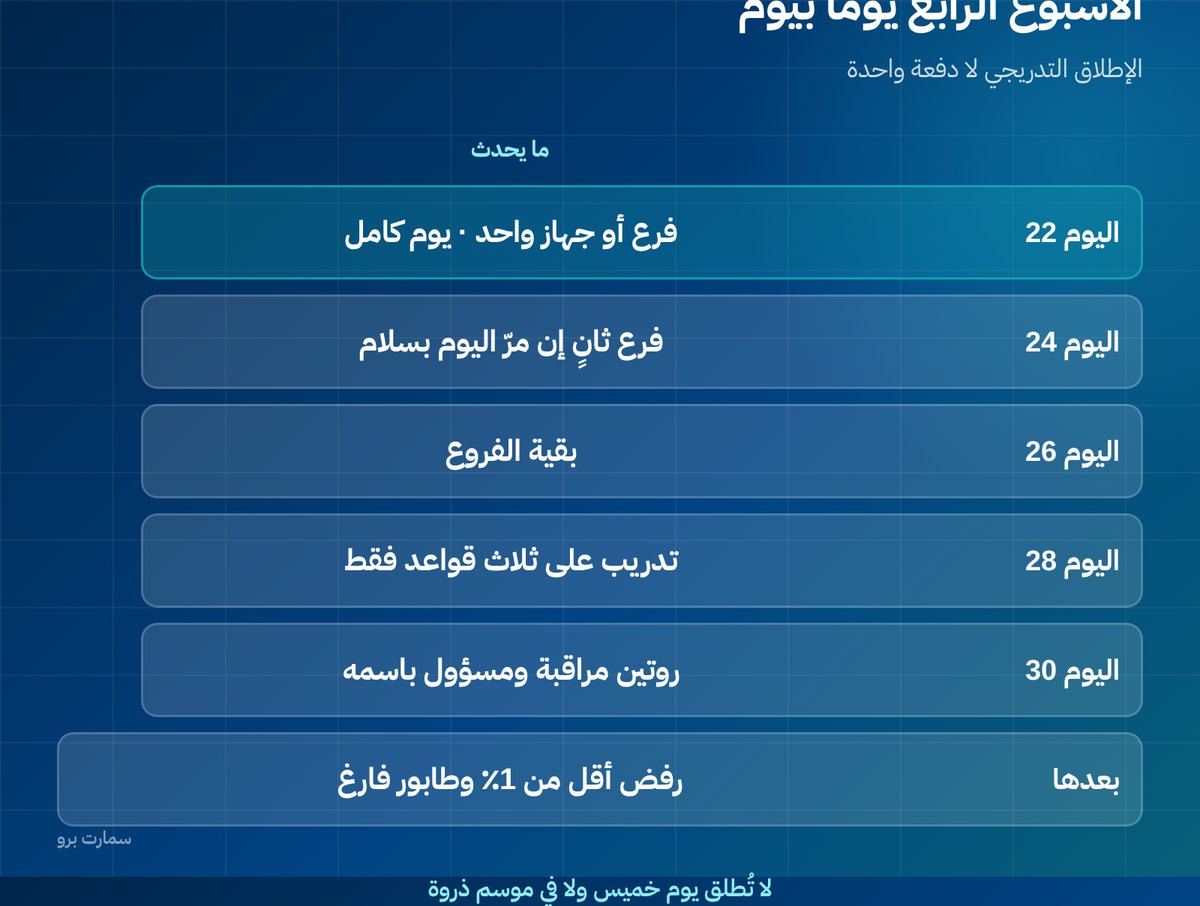
- Day 22: one branch or one device, for a full day, under close monitoring.
- Day 24: if the day passes without repeated rejections, add a second branch.
- Day 26: the remaining branches.
- Day 28: train everyone who issues invoices on just three rules.
- Day 30: lock in a daily monitoring routine with a named person responsible.
Don't go live on a Thursday or during a peak season. Pick an ordinary, quiet day.
What are the three rules staff need?
Don't overload them with technical detail:
- No invoices outside the system, whatever happens, and no manual books when the connection drops.
- Ask before payment: is the invoice in a business's name? Take the VAT number right then.
- Once printed, nothing gets deleted: cancellation is done with a note, and call the person in charge if you're unsure.
Who should lead the project?
Appoint one named person, not "a department". Their role is coordination, not technical work: they answer the vendor's questions the same day, follow up on closing test issues, and make decisions on data and procedures.
Most delays in integration projects happen because a question from the vendor waits three days before someone answers it. In a small business, that person should be you.
Budget: what will you actually pay?
Before you start, know the items that may come up:
- Updating your current system or subscribing to a new one.
- An issuing-unit fee per device, if your vendor charges one.
- Migrating customer and item data if you change systems.
- Staff training, which may be part of the contract or charged separately.
- Devices or printers if your current ones aren't suitable.
Ask for these items itemised in the quote, not bundled, because bundling hides what you'll discover later.
What mistakes make the transition fail?
- Starting with technology before data. The system is ready but your data isn't, so invoices get rejected one after another.
- Going live on all branches at once. A single problem multiplies by the number of branches on the same day.
- Going live during a season or at month-end. Pressure prevents calm troubleshooting.
- Assuming training isn't needed because the screen looks "the same". The difference is in the procedure, not the screen.
- Relying on the vendor's memory instead of written documentation for every decision and setting.
What happens after day 30?
The transition isn't an event that ends. Five minutes a day for a specific person: open the pending and rejected screen, and act on it. Plus a weekly review of the rejection rate and its recurring causes.
The indicator that says you've truly succeeded: a rejection rate below 1%, and an empty queue at the end of every day.
Compliance dates and updated requirements are published by the Zakat, Tax and Customs Authority (ZATCA), and those are what your schedule should be built on, not the vendor's estimate.
What if you only have two weeks left?
Compress the plan without cutting anything out: two days for critical data only (tax-invoice customers and exempt items), two days for certificates, two days of testing with six cases instead of twelve, then a phased go-live over four days. What gets postponed is improvements, not the essentials.
Read also
Frequently asked questions
How long does moving to Phase 2 take?
Thirty days is enough for a business whose system already qualifies or can be updated: one week for data, one week for the system and certificates, one week for testing, and one week for a phased go-live. A business that needs to replace its system entirely needs at least two months.
Do sales stop during the transition?
No. The plan is built on a phased go-live: one branch first for a full day, then expansion if it passes without repeated rejections. Choose an ordinary, quiet day to go live, not the end of the week or a peak season.
Where do I start the transition?
Start with data, not technology. Check the VAT number and national address of every business customer, review each item's tax category with your accountant, work out the ratio of your tax invoices to simplified invoices, and list all your issuing points.
What rules do sales staff need to follow?
Just three: never issue an invoice outside the system, whatever happens; ask before payment whether the invoice should be in a business's name and take the VAT number right then; and once an invoice is printed, nothing is deleted, it is corrected with a note. Everything else is technical detail they don't need.