
Free Receipt and Payment Voucher Template in Excel
A ready-to-use Excel receipt and payment voucher template with automatic numbering and a suggested journal entry for each voucher, plus the details every voucher must include and the common mistakes to avoid.
Author:سامي الحيدري
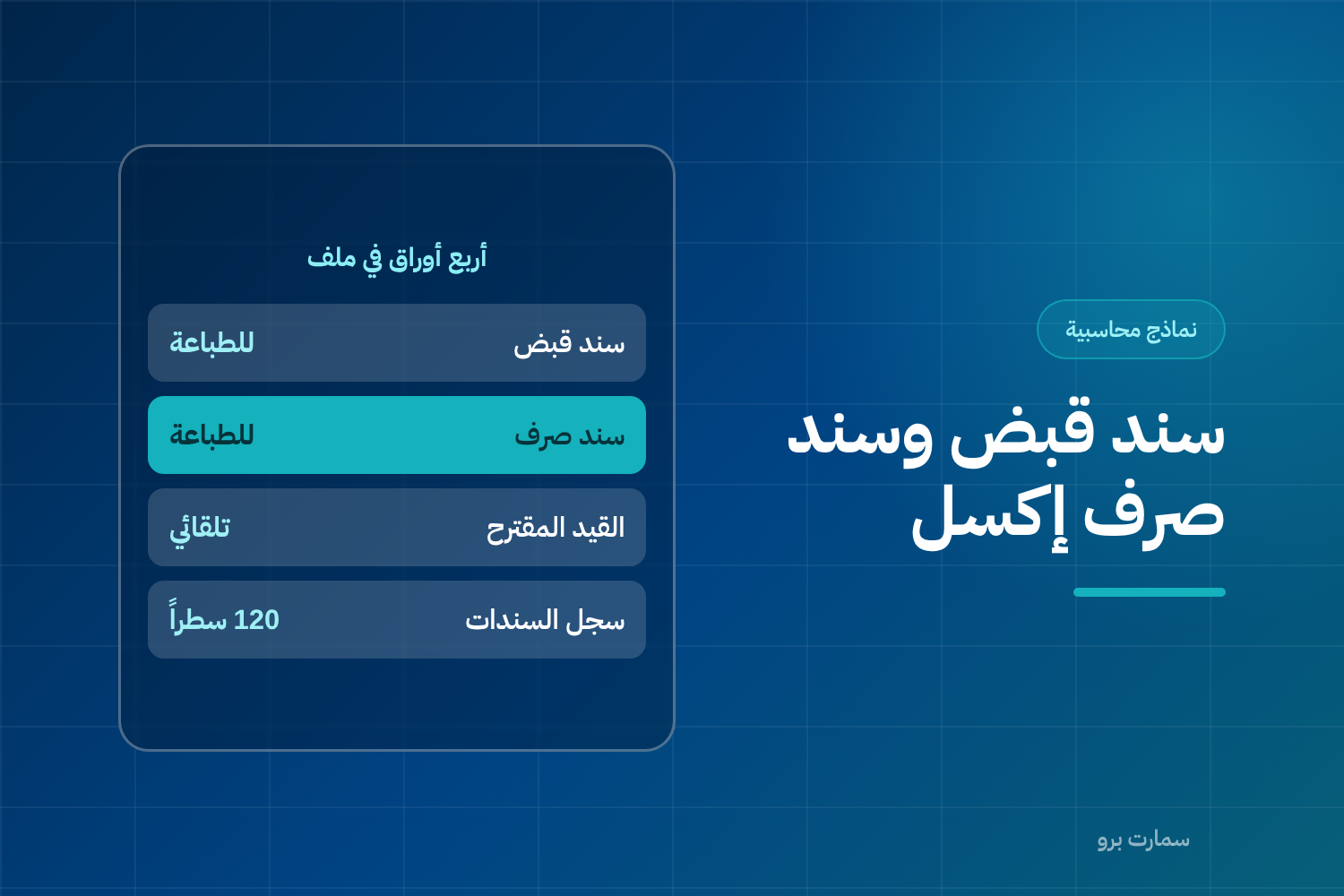
This ready-made Excel receipt and payment voucher template covers the two documents you use most every day. A receipt voucher proves you received money from a customer or another party, and a payment voucher proves you paid money to a supplier or employee. The template gives you both, with automatic numbering and a suggested journal entry for each case.
The template is free and suits any business that needs to document its cash movements with a signed document that can be archived.
What does the receipt and payment voucher template include?
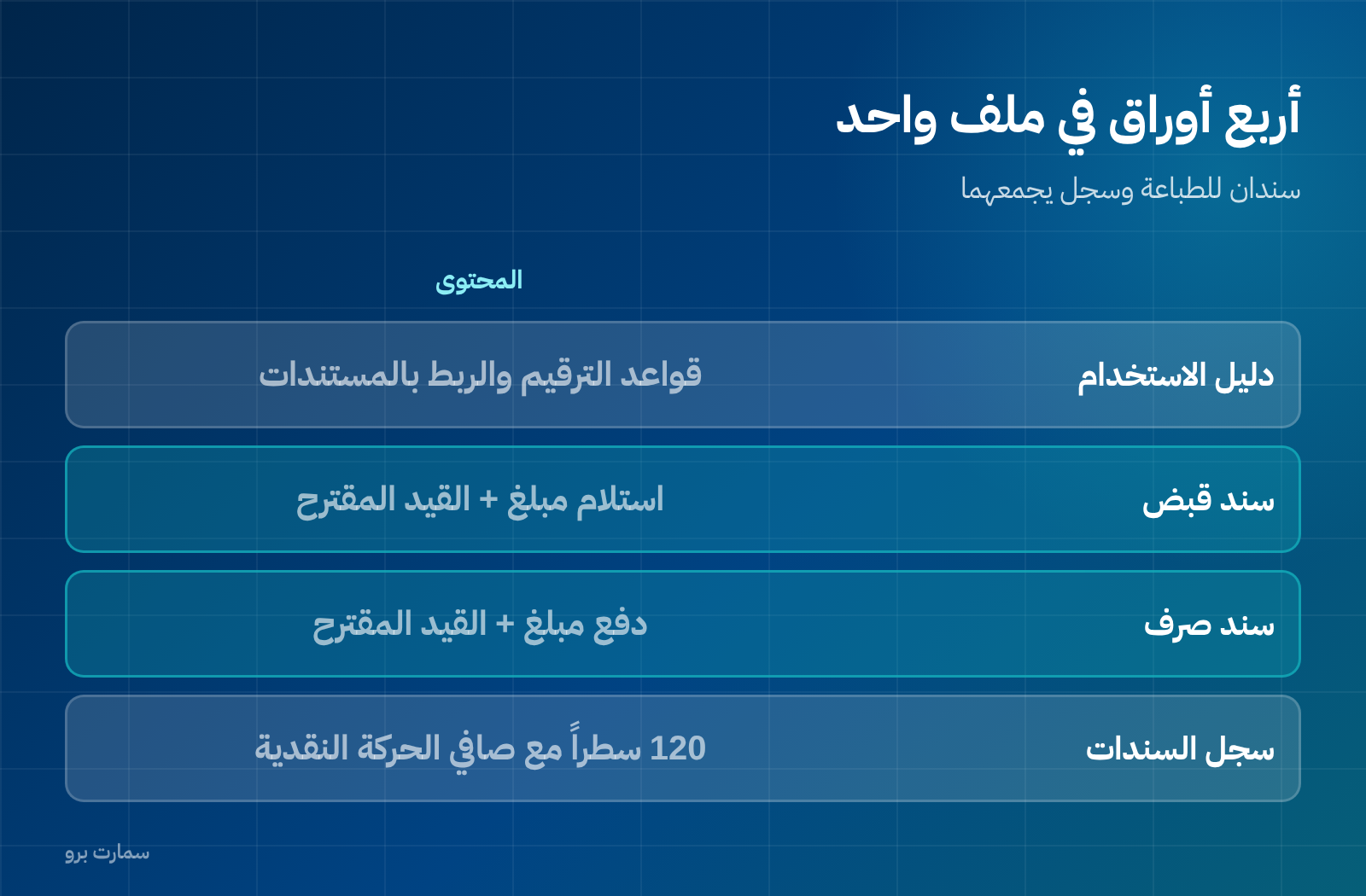
- User guide: rules for numbering and for linking vouchers to their source documents.
- Receipt voucher: ready to print and sign, with the suggested journal entry.
- Payment voucher: ready to print and sign, with the suggested journal entry.
- Voucher register: 120 rows that collect the month's vouchers and calculate total receipts, total payments and net cash movement.
What is the difference between a receipt voucher and a payment voucher?
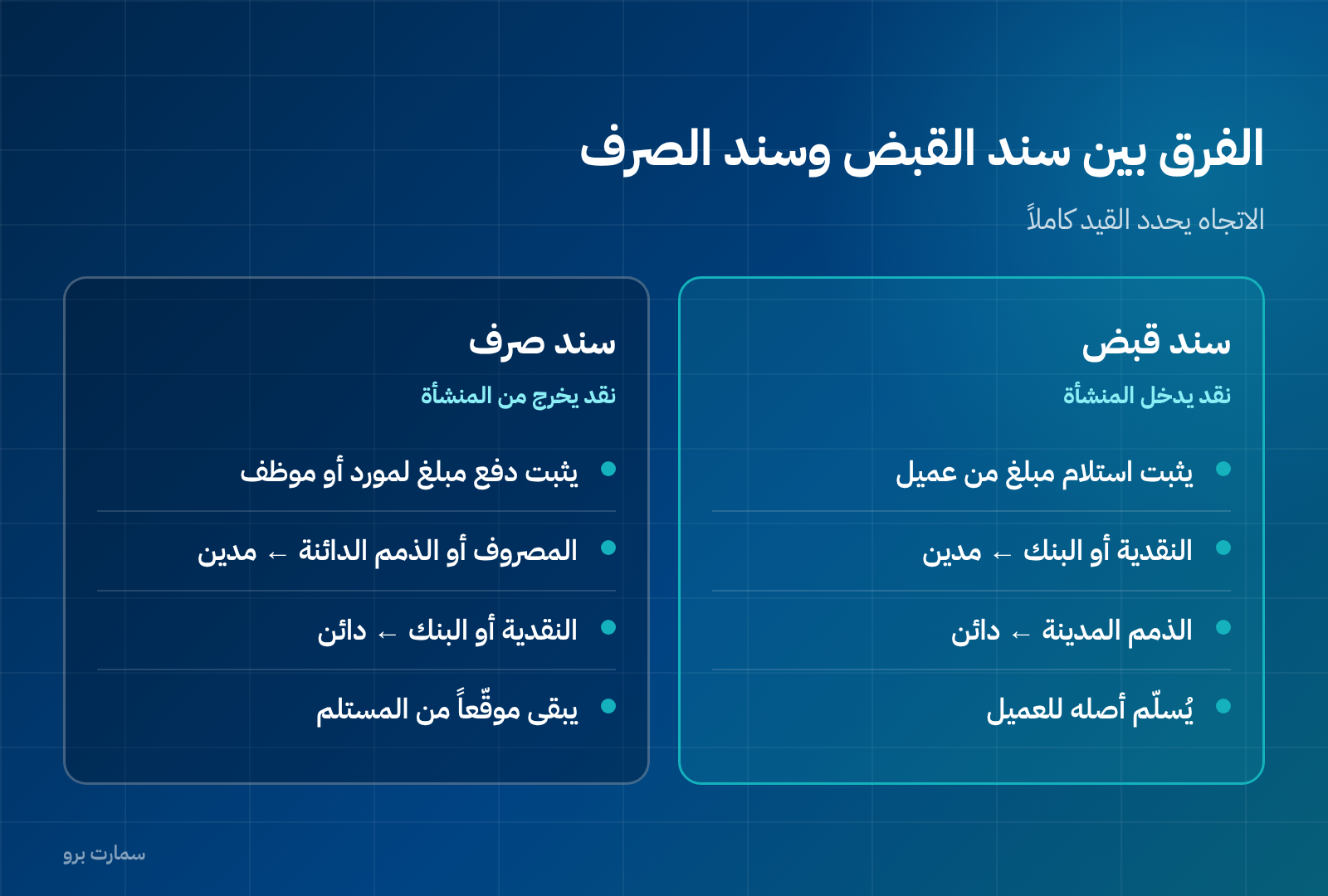
The direction of the cash determines the whole entry.
With a receipt voucher, cash comes into the business: cash or bank is debited, and accounts receivable is credited. The original voucher goes to the customer and you keep the copy.
With a payment voucher, cash leaves the business: the expense or accounts payable is debited, and cash or bank is credited. You keep the voucher signed by the recipient, because it is your only proof that the money reached the right person.
What must every voucher include?
- A sequential number that never repeats and is never changed after signing.
- The date, and the other party's name with their ID or commercial registration number.
- The amount in figures and in words — writing it in words prevents tampering and misreading.
- A clear reason for the receipt or payment.
- The payment method, with the cheque number or bank transaction reference.
- Signatures of the recipient, the cashier and the approver.
The two items most often left out are the amount in words and the reference document, and they are the first things asked about in any audit.
How does the built-in journal entry work?
When you type the amount in the "The sum of" field, the file fills in the suggested journal entry automatically in the table below the voucher. A journal entry is the accounting record that shows which account is debited and which is credited for a transaction. You never type the amount twice, so there is no risk of copying it wrongly.
One task remains yours: choosing the right account. A receipt from a customer is matched against accounts receivable, while a receipt for direct cash revenue is matched against the revenue account.
What are the most common voucher mistakes?
- Manual numbering that repeats or breaks, making tracking impossible.
- A voucher not linked to an invoice, so you cannot tell which balance was settled.
- Recording a collection as new revenue instead of closing the receivable, which counts your revenue twice.
- A payment voucher without the recipient's signature.
Important regulatory note before you use it
This voucher is an internal document that proves a cash movement; it is not a tax invoice. A business registered for VAT must issue electronic invoices from a system that meets the requirements of the Zakat, Tax and Customs Authority (ZATCA), and a receipt voucher never replaces them. For how this works under Fatoora and Phase 2 e-invoicing, see our ZATCA e-invoicing guide.
Table: the matching entry for each case
| Case | Debit | Credit |
|---|---|---|
| Cash received from a customer on account | Cash / Bank | Accounts receivable — customer |
| Advance payment received before the service is delivered | Cash / Bank | Deferred revenue |
| Payment to a supplier settling an invoice | Accounts payable — supplier | Cash / Bank |
| Cash advance (custody) to an employee | Employee custody | Cash / Bank |
| Direct petty cash expense | The expense | Cash |
Pay particular attention to the second row. Deferred revenue is money received for a service you have not yet delivered, so an advance payment is not revenue until the service is provided. Recording it as revenue inflates the month's profit and creates a tax and accounting problem at the same time.
Who signs the voucher and who approves it?
A voucher without signatures is just a piece of paper. Define three written roles, even if you are a small business: who prepares the voucher, who approves it, and who receives or hands over the money. For amounts above a limit you set yourself, these three should not be the same person.
This simple segregation of duties is the cheapest control you have. Its absence is the leading cause of cash discrepancies that are discovered too late.
Why do numbering and sequence matter?
The voucher number is not a formality. An unbroken sequence with no gaps is what makes your books auditable: a gap means a voucher was cancelled or lost, and the auditor will ask about it. That is why the template numbers vouchers automatically, and why rows should not be deleted but marked "Cancelled" with the reason stated.
If the voucher relates to a tax invoice, record the invoice number in the reference field. Document requirements and retention periods are published by the Zakat, Tax and Customs Authority.
When should you move from paper vouchers to a system?
A paper or Excel template is enough when cash movements are limited and you run a single cash box. But once you have several cash boxes and branches, more than one person issuing vouchers at the same time, or you need the journal entry generated automatically with every voucher instead of re-entering it, the file becomes a source of errors rather than a control tool. If you are weighing that step, our comparison of accounting software and ERP can help.
Key takeaway: A receipt or payment voucher only protects you when it is numbered in sequence, shows the amount in words, links to its invoice and carries the right signatures. It proves cash movement and never replaces a ZATCA-compliant tax invoice.
Read also
- Journal entries: how to write one step by step
- Debit vs credit: the golden rule
- The accounting cycle: from invoice to financial statements
Try SmartPro with the way you work
In an accounting system, a receipt voucher is not written by hand. In SmartPro's finance and accounting system, you select the invoice, its balance is closed, the journal entry is created, and the effect appears in your cash flow and the customer statement at the same moment.
Request your free SmartPro trial and collect a single invoice to see the difference for yourself.
Article visuals
Frequently asked questions
What is the difference between a receipt voucher and a payment voucher?
A receipt voucher is a document proving the business received money from a customer or another party, so its cash increases. A payment voucher proves the business paid money to a supplier or employee, so its cash decreases. Both are internal documents that record cash movement, and neither replaces an invoice.
Does a receipt voucher replace a tax invoice?
No. The invoice proves the sale and the VAT due, while the voucher only proves that cash was received. The two can fall on completely different dates, so you must issue both and link the voucher to the invoice by recording the invoice number in the reference field.
What details must a receipt or payment voucher include?
Every voucher needs a sequential number, the date, the other party's name, the amount in figures and in words, and the payment method. It should also give a clear description of the reason, the invoice or reference document number, and the signatures of the preparer, the approver and the recipient.
Can I delete a voucher after it has been issued?
Deleting it is not recommended, because a gap in the numbering sequence raises questions during an audit. Mark it as "Cancelled" with the reason, keep the row, and issue a new voucher with the next number.